
Anvil Level Design
Anvil is a Blender addon that brings TrenchBroom and Hammer inspired level design tools into Blender. Enjoy improved UX for blockouts, texture alignment, hotspots, prefabs, and glTF export while taking advantage of Blender's existing power and flexibility.
Making level design in Blender feel fresh


Block out rooms, browse and assign materials, align UVs, set up hotspots, place prefabs... and then build the production ready version of your level in the same workspace.
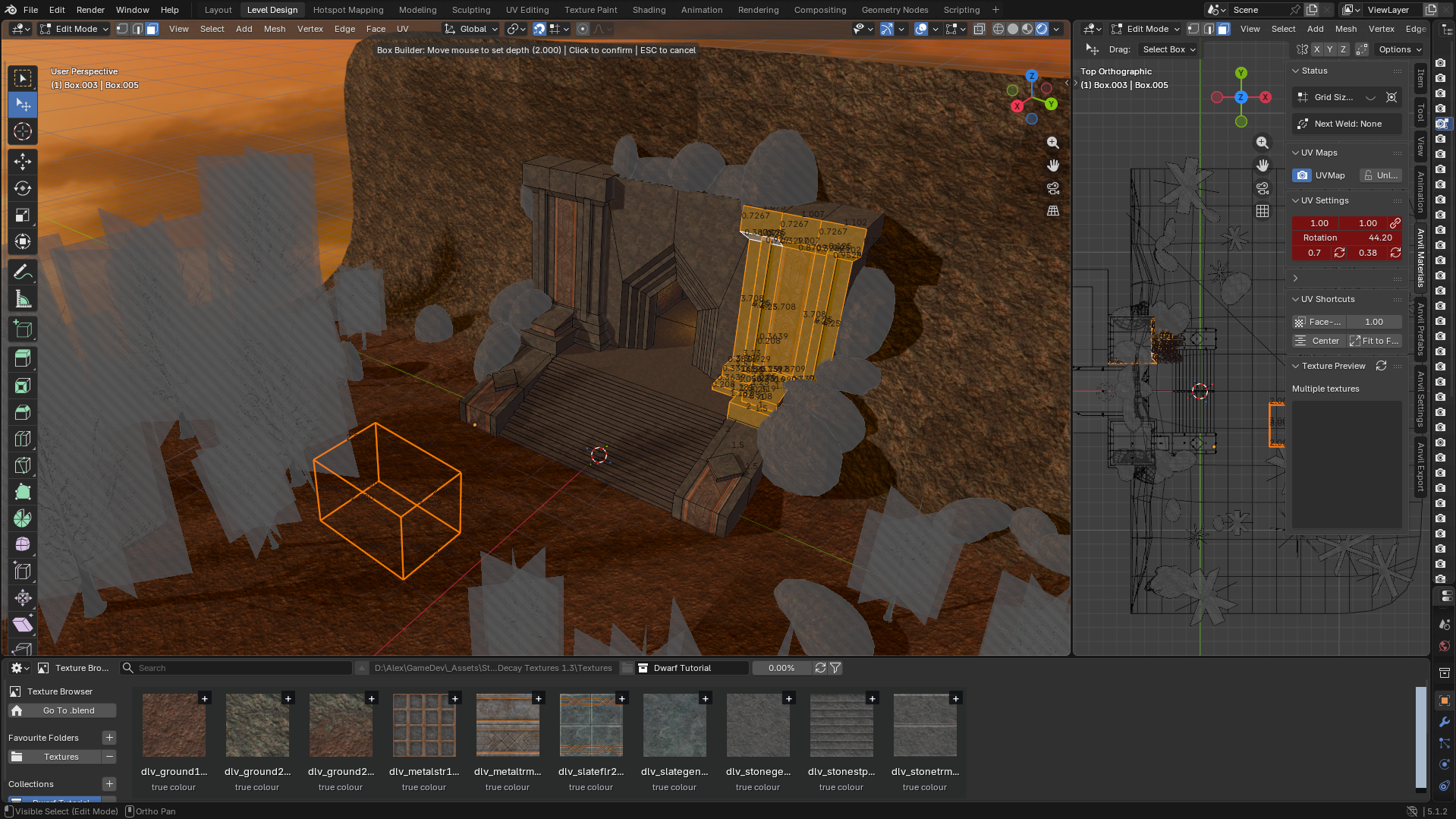
Designed for fast iteration
Anvil tools remove clicks, busywork, and mental load.



Examples and Testimonials
Anvil is aimed at level designers who want a Blender addon with TrenchBroom and Hammer-style speed while staying close to Blender's modelling tools.
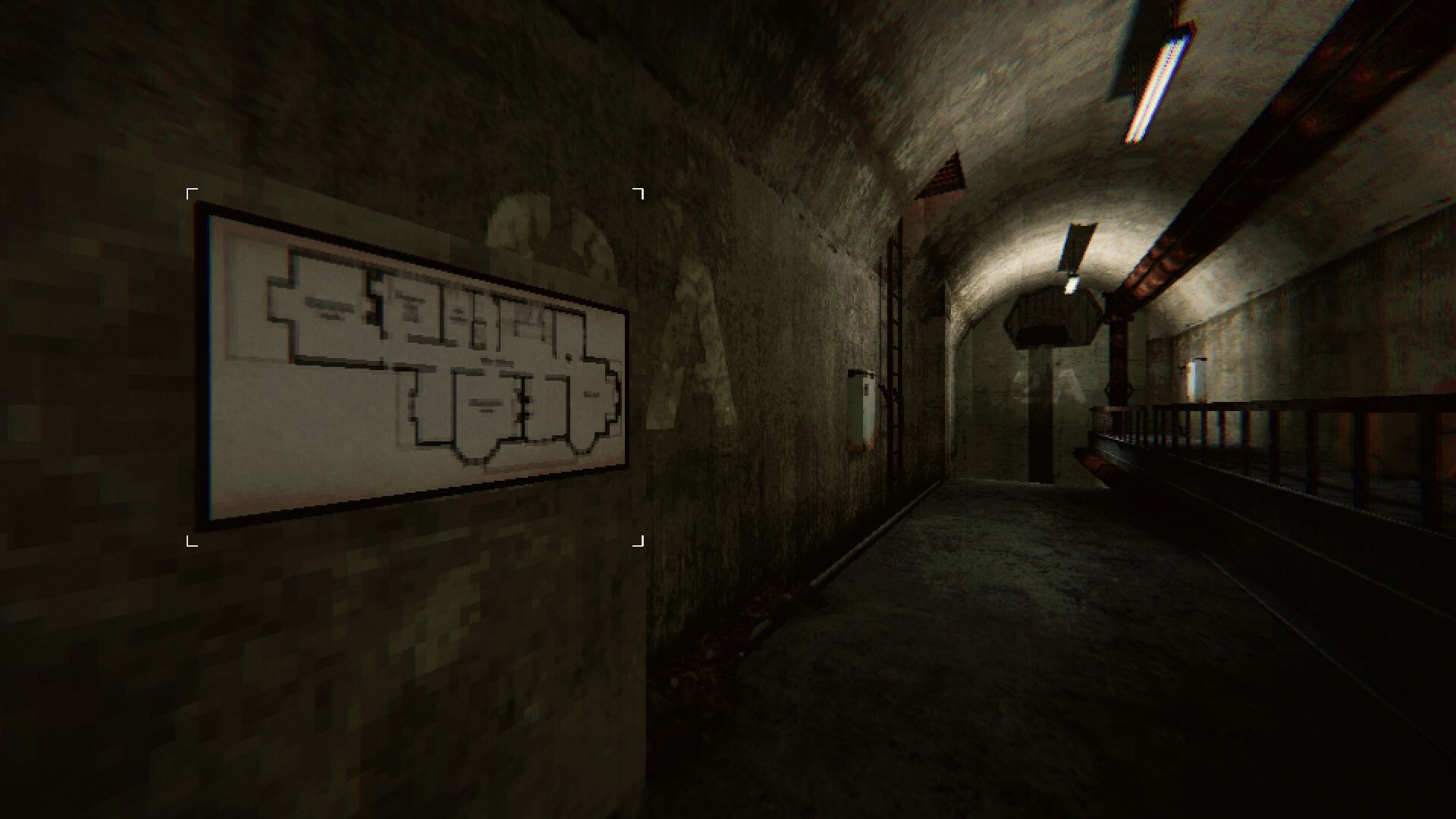
Image source: Lurking on Steam
SchouffyAnvil reignited my passion for Build-engine style level design.
Its workflow makes grayboxing and iteration incredibly fast, while Blender's modeling tools provide all the flexibility needed for creating level geometry.
The custom interior-building tools are especially impressive, and texture application/alignment feels intuitive and efficient.
After trying many alternatives like ProBuilder, UModeler, and TrenchBroom, Anvil is easily my favorite. Alex, the creator, is also very active and helpful on Discord.

Cardboard SateliteThe TrenchBroom workflow encourages some great practices, and I'm so glad to finally see that in Blender.
I especially like how straightforward texturing is now.
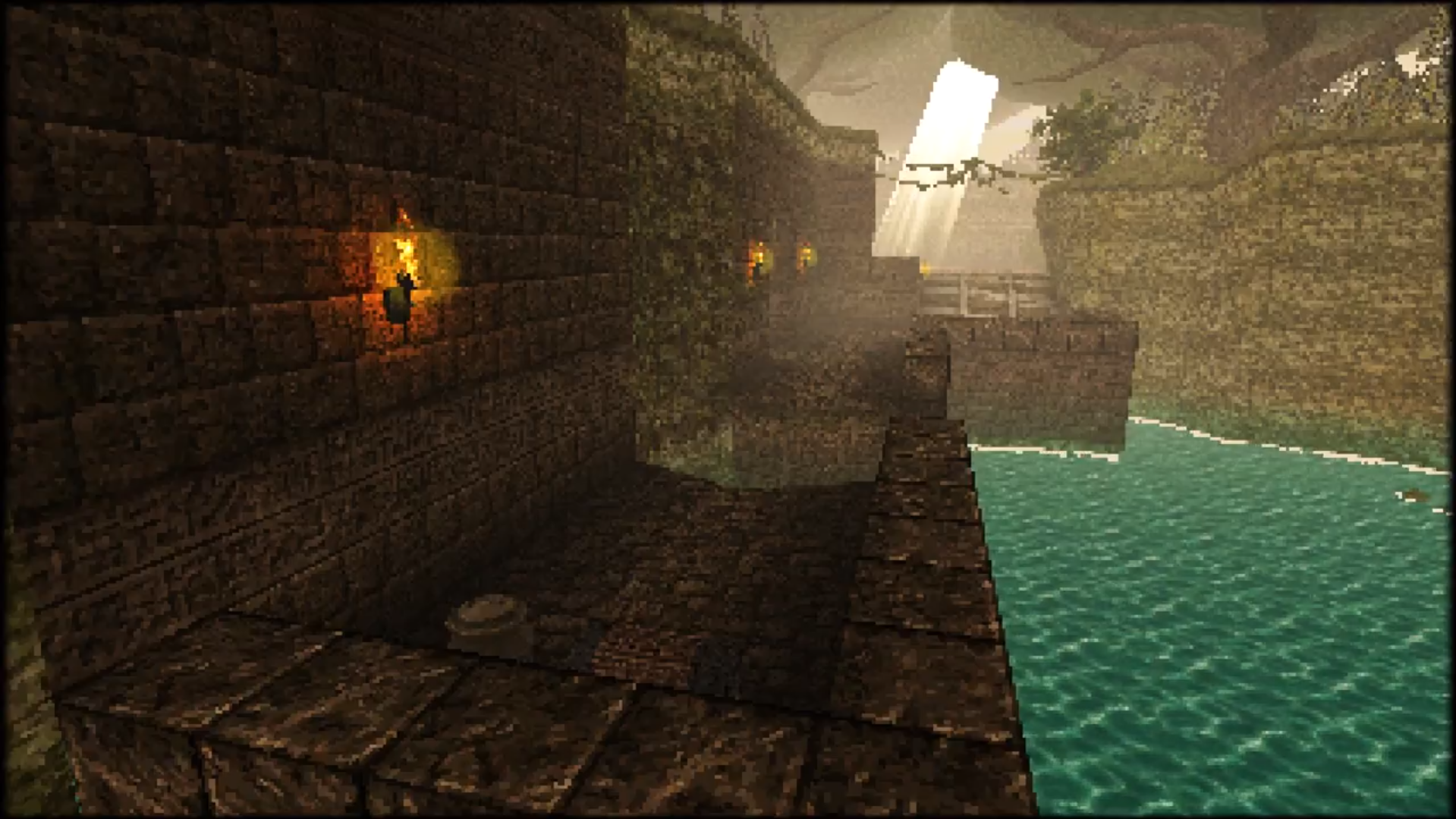
HennejoeI used to use Trenchbroom exclusively but Anvil made me comfortable to start making levels directly in Blender, the ability to quickly texture and manipulate rooms is awesome!
Patreon
Support ongoing Anvil development
Anvil is free. Patreon support helps fund docs, polish, testing, and new level-design tools.
Install Anvil and get started!
Follow the installation guide, then read quick start for an introduction to the most common features.